|
|
SKELMESH STYLE · 31 AUGUST 2024
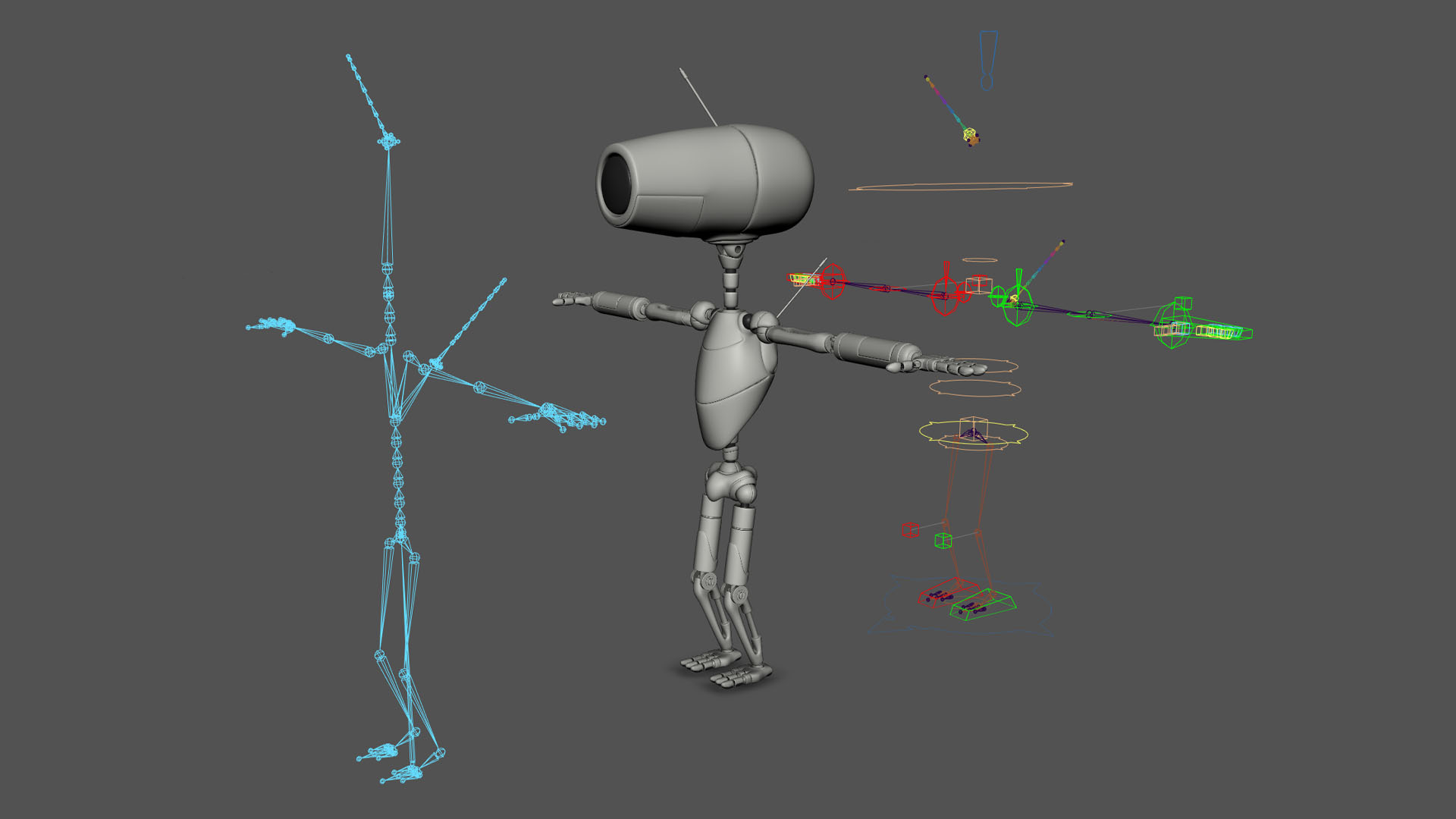
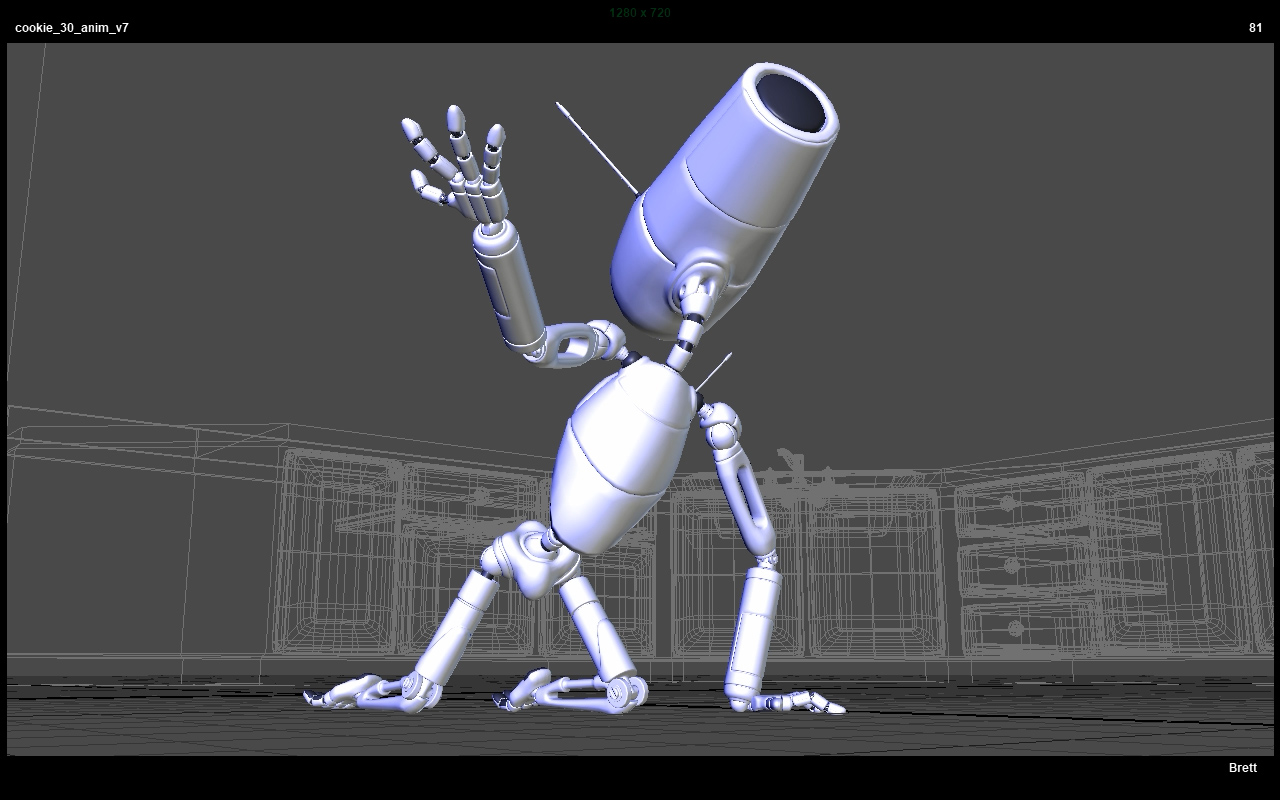
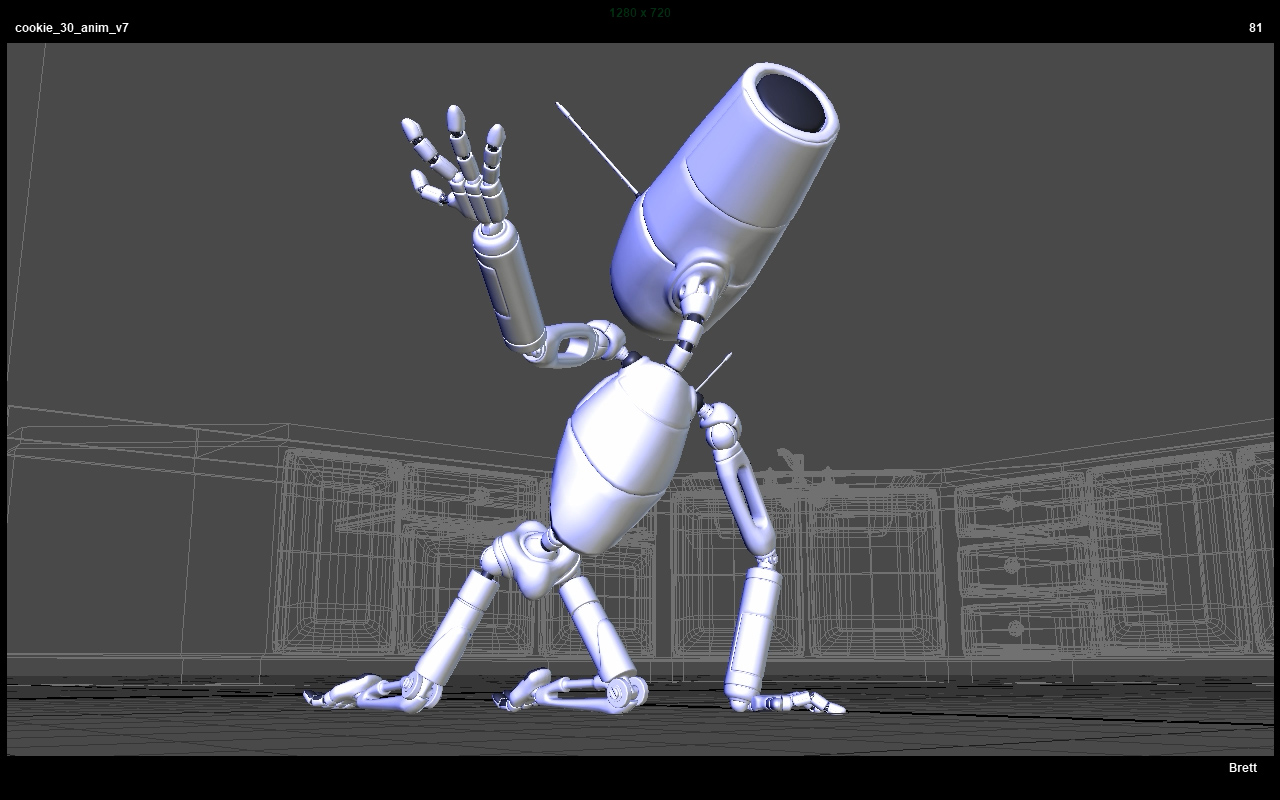
After converting the Alien character to a game-ready skelmesh style rig driven by controls, I decided to tackle the Robot Mk-I character as well. Since I had written scripts to make converting objects like nulls and locators into joints and removing multiple nodes from a hierarchy, I felt I should do it while it was still fresh in my mind. I also ended up writing a few tools to convert parented proxy objects to parent constrained objects or vice versa to make cleaning out the control rig a bit easier. Since the Robot is more or less rigid, I could skin joints 100% to mesh parts and was able to use a list based tool I wrote earlier this year designed to skin or convert multiple geometry meshes to joints. The idea behind this type of rig is that the skeleton is very clean and deforms the mesh, even if that mesh is rigid like a robot with hinges and sockets. Then your control rig with animation controls can drive that or similar skeletons. It does create lots of connections or constraints, but it is a very clean way of working. I have a driveJoints script that I used on the Alien, but that requires the joints be named the same, and the Robot character’s control rig doesn’t use too many joints. However, I was able to modify the skinning tool I made earlier to support constraints. In other words, I could make a list of the control objects and a match list of objects to be controlled and then constrain them all at once where the names do not need to match. Much faster than doing 100 pieces one by one especially when things go wrong. Even though I wasn’t planning to slow down animation to do this big rig surgery, it does feel nice to have the skelMesh separate from the rig. Makes it a little easier to augment or even change rigs later…hopefully a full rig change doesn’t happen. In this case I was able to keep the rigs working without too much hassle.
SKELETONS IN THE RIG · 25 AUGUST 2024
Because I’ve taken so long to work on this project, rendering is going to be a bit of an issue. Autodesk doesn’t make it easy to go back to old versions and I originally used MentalRay which is no longer supported. However, I’ve been thinking about using Unreal to render since I have a lot of experience with it now. That means either using alembic point cache type export or skeletal animation with blendshapes. These rigs are so old that they aren’t really setup to work in a game engine with lots of nodes in-between joints. Traditionally you want to have a clean skeleton that the mesh is bound to and then drive that skeleton with some type of ctrl setup. The Alien character was closest to that, but with lots of nodes inserted to make orientation of ctrls or joints work right. Having extra nodes can create headaches even though Unreal will convert them to joints. I decided to spend some time yanking all that out to end up with a clean skeleton hierarchy which would use the current rig to drive it. Seems simple enough but can be quite tricky to accomplish. I ended up creating a clean skeleton and skelMesh files from the main rig, then unbound the original mesh, brought in the clean skeleton, drove those joints with the current rig, then referenced in the skelMesh to copy skinWeights. Took multiple attempts and a few new scripts to get it to work right, but after I was done, I remembered my SuperReSkin64 script has a bug that makes painting weights after using it nearly impossible. It copies the weights fine and everything looks good in motion, but if you have to edit weights later, it seems to go bonkers. I spent some time figuring out what was wrong with that, fixing it, and reskinning the mesh so I can do paint weight fixes, if necessary, later down the line. I’m not really read to start testing in Unreal, but wanted to get one character closer to what that workflow might need. The Robot doesn’t really have any skinning, so I’m not sure how tricky he will be to convert. Just a lot of pieces, and I am slightly worried about Maya performance with so many joints being driven with constraints. Seems fine so far, but I may end up using two versions, one for animating, and one for exporting.
IT'S REALLY OLD... · 22 AUGUST 2024
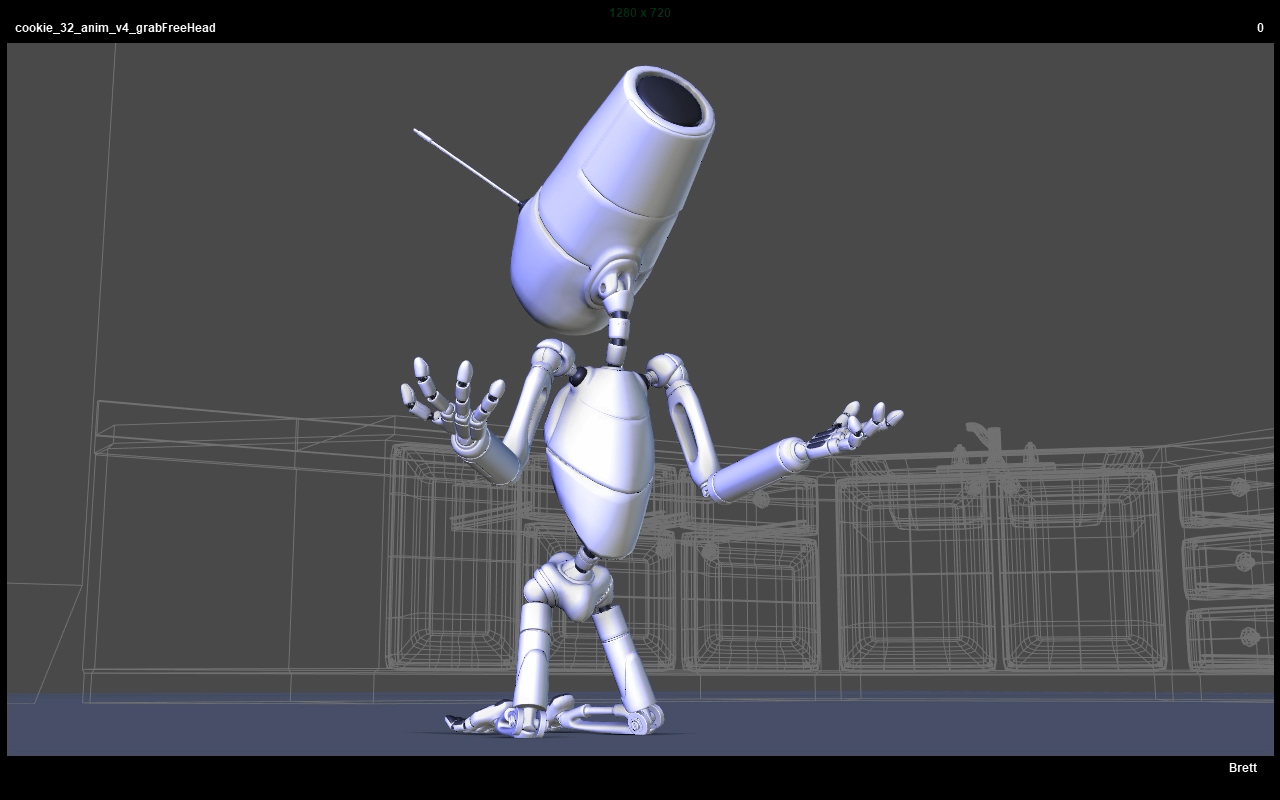
Decided to block a shot today, a weeknight. None of these are terribly complicated, but always hard to get motivated. I’m on a small roll though, so I want to try and keep it going. I wrote a tool a few years ago to make dynamic parent space switching constraints with a handy UI, but these rigs are so old, I couldn’t get it to work. However, I did build a grab “free” ctrl into the rigs for 2-handed ik setup, like when a character is holding something with both hands. So, what I did was just constrain that to the head ctrl and since I already have space switching to it for the ik hands, I just used that. Pretty sure I did something similar to a shot in the Hallway scene. The only downside is that it makes a blendparent. In this case, I don’t need to have that ctrl free so it works fine for what I want and I didn’t waste time fixing the rigs to support my newer tool. Trying to not get sidetracked with stuff like that unless I want to focus on doing a proper implementation.
SATURDAY HEAT · 17 AUGUST 2024
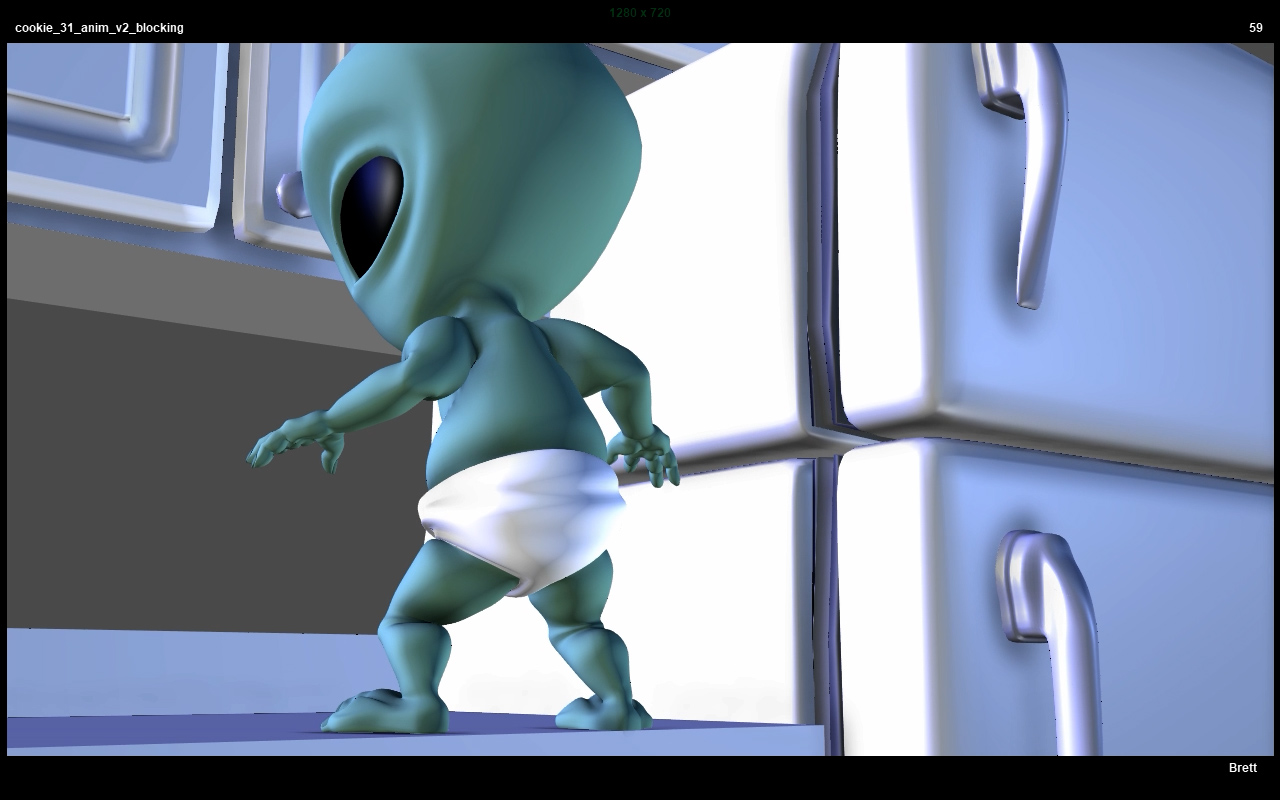
Thought I could work on this shot all week but ended up waiting until Saturday. Just a first splining pass. I remember when I planned these shots years ago, I wanted to make it easy so I cut just as the Alien starts to pull the drawers out and then back when he’s at the top to avoid doing a clunky climb. Probably could have come up with something, but I’m actually thankful for that decision now as it keeps things more manageable. Not sure I was purposefully trying to create easy shots that I could hopefully pull off, but it sure seems that way. Still, this should have been finished years ago. I might leave this one for now and move onto the next shot. Takes me so long to get motivated to work on this, I’m just thankful when things look semi-good. Perhaps I can take a big picture polish pass on things that stand out as opposed to getting stuck noodling each shot. Also worked on a script to convert Maya binary scenes to ascii, but copy the original into a backup folder, save as ascii, and then remove the old file. Tricky because a lot of scenes from older versions of Maya that are saved as binary get junk that must be removed first. Ascii is a lot more flexible to work with when stuff breaks or won’t open, bad references, etc. Binary on the other hand, you can just get stuck with. Suppose to open faster, but I’m not sure that makes a difference for this. Not sure why I originally used binary. Think I just didn’t know any better or was stuck. .
2 FOR 1 WEEKEND! · 11 AUGUST 2024
Well, sort of. Did some more work on the previous shot to make it feel a bit better and then started blocking the next shot in the afternoon. I usually don’t want to jump right into new shots and tend to let blocking sit at least overnight. I’ve always had a hard time starting new tasks, but once I’m rolling on one, it can move smoothly no matter how long or short. In this case, I forced myself to work on the next shot and almost got caught up in fixing a tool to work with old style Maya referencing. Most of my layout scenes are so old they use the old style referencing without true namespaces. I haven’t found an easy way to fix that yet if I want to copy poses from those scenes. My current work around is to make one of my turbo pickers and then manually edit it to add the prefix style namespace with an underscore and use Absolute Name Mode. Of course, that just makes me want to add an easier option to that picker which could take hours to days to vs just text editing the file in minutes… Ah well, probably throw in the towel for the weekend.
WINE AND SPLINE · 10 AUGUST 2024
Let this blocking sit for over a month. Oh well, I didn't drink any alcohol last month so there’s that. Had some wine last night so I guess that means I should do some animating. Not too much to say, just splining this shot. Definitely trickier shot than it looks... Feels a bit slow when I watch it in sequence. Probably need to speed a few movements up but don’t want to get stuck in the weeds either.
|
|
||||
|---|---|---|---|---|---|---|---|